AI is changing the way gamers play, create content, manage their gaming setups, and interact with their communities.
You no longer need expensive software for every gaming task. From creating YouTube ideas and thumbnails to generating gaming names, scripts, and useful prompts, free AI tools can save hours of work.
In this guide, we’ll look at 10 free AI tools every gamer should try in 2026 and explain how you can use them for gaming and content creation.
Why Should Gamers Use AI Tools?
AI isn’t only useful for programmers or businesses. Gamers can use AI to:
- Generate gaming content ideas
- Create YouTube titles and descriptions
- Write video scripts
- Generate gaming names
- Create thumbnail concepts
- Improve Discord communities
- Plan livestreams
- Get help with gaming-related questions
- Save time on repetitive tasks
The best part is that many AI tools offer free plans or free features.
1. ChatGPT – Your AI Gaming Assistant
ChatGPT can be useful for almost every gaming-related task.
You can use it to brainstorm video ideas, create gaming guides, write scripts, generate names, troubleshoot common PC problems, or organize your content calendar.
What can gamers use it for?
- Gaming video ideas
- YouTube scripts
- Gaming guides
- Character and story ideas
- Stream titles
- Gaming bios
- Social media captions
- PC troubleshooting questions
- Game strategy brainstorming
Example Prompt
“Give me 20 YouTube video ideas for a beginner gaming channel.”
You can also create your own prompts and workflows to make ChatGPT work like a personal gaming content assistant.
Best for: Gamers, streamers, and gaming creators.
2. Google Gemini – AI for Gaming Research and Ideas
Google Gemini is another useful AI assistant for gamers and content creators.
It can help you brainstorm gaming content, explain technical topics, summarize information, and generate ideas for videos and social media.
You can use Gemini for:
- Gaming research
- Content ideas
- Video outlines
- Gaming explanations
- Blog brainstorming
- Social media posts
- Troubleshooting assistance
If you’re building a gaming website, AI assistants can also help you create content outlines and organize large collections of ideas.
Best for: Research, brainstorming, and content planning.
3. Microsoft Copilot – AI for Everyday Gaming Tasks
Microsoft Copilot can help with everyday questions, writing, brainstorming, and productivity.
For gamers who also create content, it can be useful for generating:
- Video ideas
- Titles
- Descriptions
- Social captions
- Content outlines
- Gaming-related explanations
It’s especially useful when you want quick ideas without spending a lot of time planning your content manually.
Best for: Quick AI assistance and content creation.
4. Canva AI – Create Gaming Thumbnails and Graphics
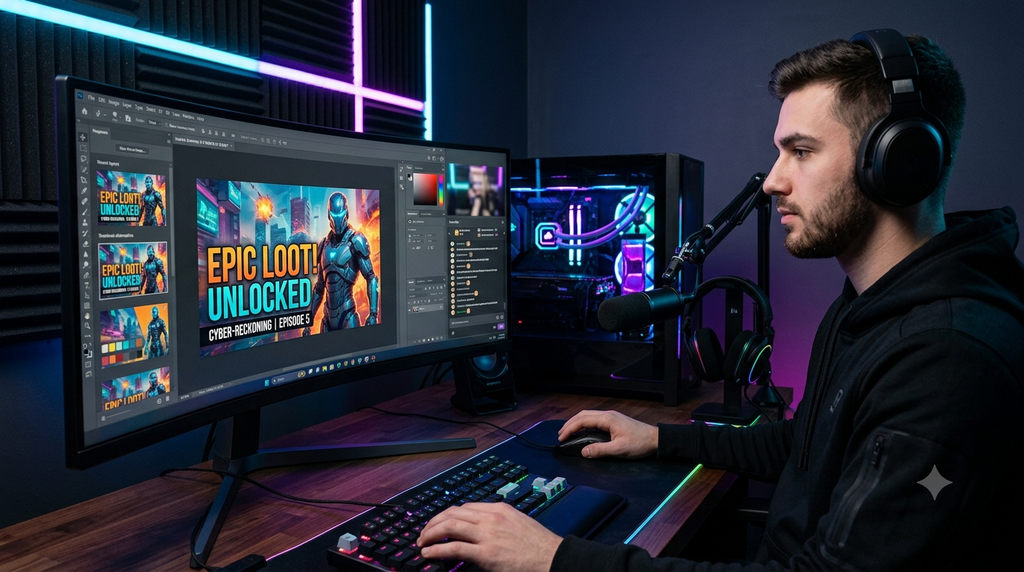
A great gaming video needs an eye-catching thumbnail.
Canva provides AI-powered features alongside its normal design tools, making it easier to create graphics even if you’re not a professional designer.
Gamers can create:
- YouTube thumbnails
- Stream banners
- Twitch graphics
- Gaming posters
- Social media images
- Discord graphics
- Channel branding
You can start with a template and customize it for your game, channel, or video.
Thumbnail Tip
Don’t put too much text on your thumbnail.
Instead, use:
Large subject + short text + strong visual contrast
For example:
“100+ FPS!”
is usually easier to understand quickly than a long sentence.
Best for: YouTubers, streamers, and gaming creators.
5. Leonardo AI – Generate Gaming Visuals
AI image-generation tools can help gamers and creators experiment with artwork and visual concepts.
Leonardo AI can be useful for creating ideas such as:
- Gaming characters
- Fantasy environments
- Sci-fi artwork
- Channel artwork
- Concept images
- Backgrounds
- Creative thumbnails
Always check the tool’s current free-plan limits and licensing terms before using generated images commercially.
Best for: Gaming artwork and visual content.
6. ElevenLabs – AI Voice Generation
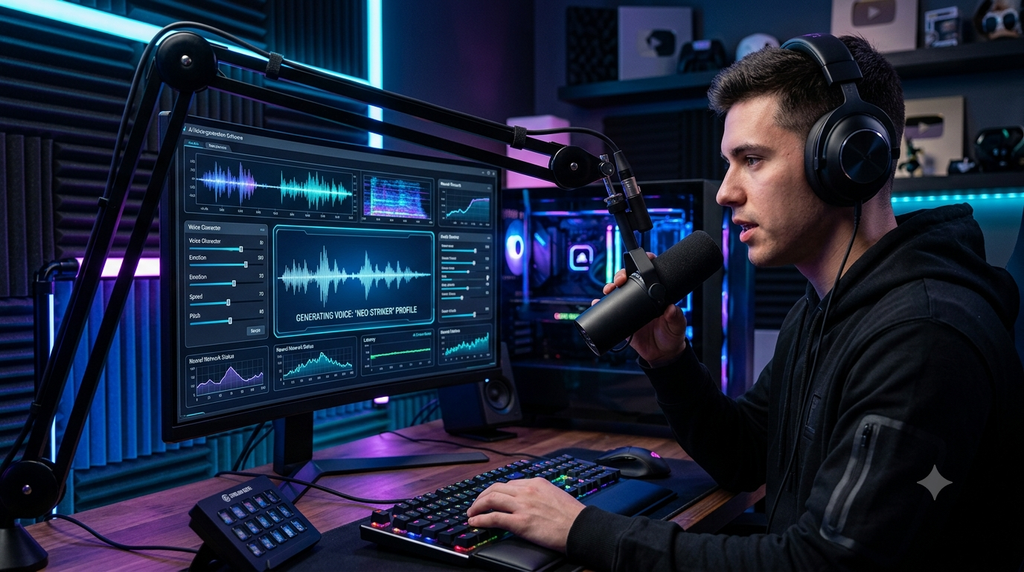
Voiceovers can make gaming videos more engaging, but recording your own voice isn’t always convenient.
AI voice tools such as ElevenLabs can generate natural-sounding speech for supported use cases.
You can use AI voice generation for things like:
- Gaming videos
- Tutorials
- Short-form content
- Narration
- Character concepts
Before publishing commercially, check the current plan and voice licensing rules.
Best for: Gamers who create narrated videos without recording every voiceover themselves.
7. CapCut – AI-Assisted Gaming Video Editing
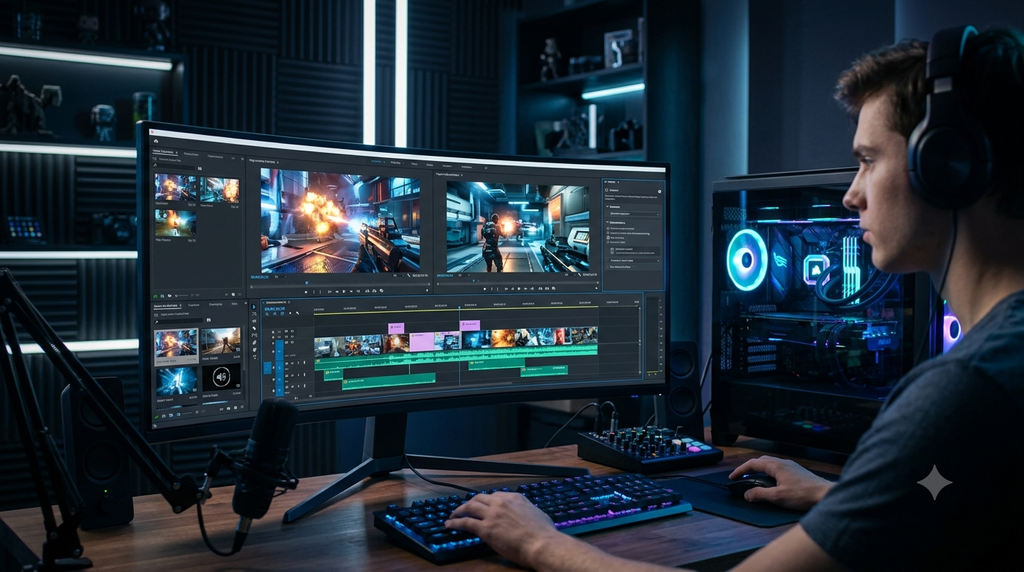
Editing gaming footage can take a lot of time.
CapCut provides video editing features that can help creators work faster, including AI-assisted features that vary by platform and plan.
You can use it to create:
- Gaming Shorts
- Highlight clips
- TikTok videos
- YouTube videos
- Reels
- Montage videos
For short gaming clips, fast editing is especially important because viewers often decide within seconds whether to keep watching.
Best for: Gaming Shorts and quick video editing.
8. Perplexity – AI Search and Research Assistant
When you’re researching a gaming topic, you often need more than a simple answer.
Perplexity can help you research topics and find information with source references.
Gamers can use it for:
- Game research
- Hardware research
- Gaming technology
- Content research
- Comparing products
- Finding information for gaming guides
Always verify important information using the original source, especially when writing guides about game updates, hardware specifications, prices, or policies.
Best for: Research and fact-checking.
9. Suno – Create Original Music Ideas
Music can make gaming videos much more entertaining.
Suno is an AI music-generation platform that can help users create music based on prompts.
You could experiment with concepts such as:
- Gaming intro music
- Background music
- Epic battle themes
- Chill gaming tracks
- Stream starting music
However, always check the current licensing terms before using generated music in monetized videos or commercial projects.
Best for: Creators who need music ideas for gaming content.
10. GameVoltix AI Gaming Tools
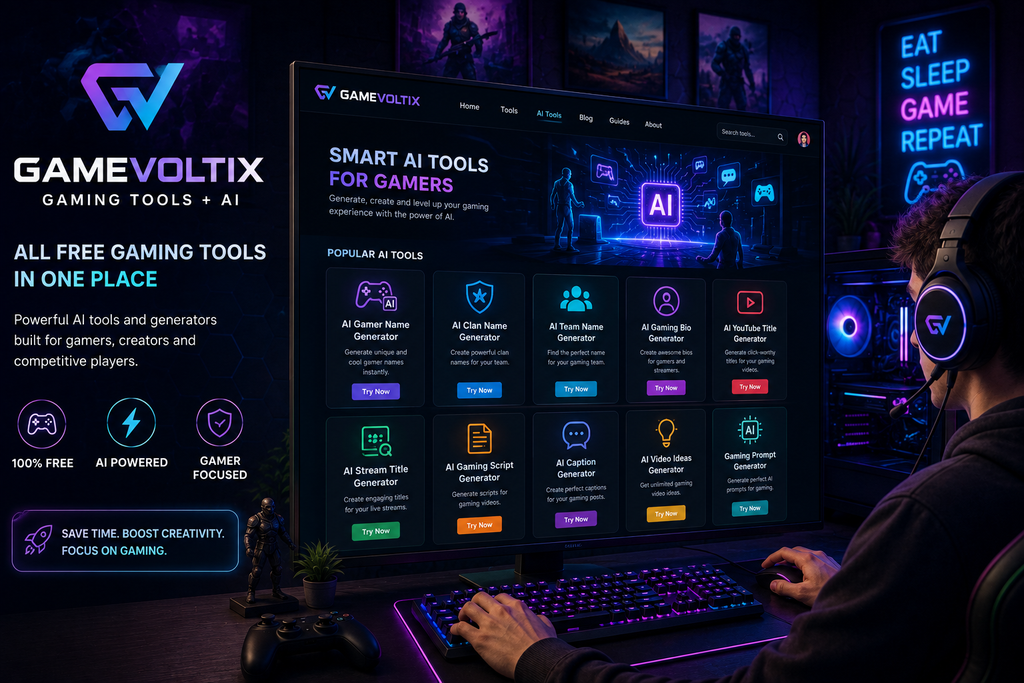
If you’re looking for gaming-focused AI utilities, GameVoltix can become your one-stop destination.
Instead of using a separate website for every small task, GameVoltix can bring gaming-specific tools together in one place.
Possible tools include:
- AI Gamer Name Generator
- AI Clan Name Generator
- AI Team Name Generator
- AI Gaming Bio Generator
- AI YouTube Title Generator
- AI Stream Title Generator
- AI Gaming Script Generator
- AI Caption Generator
- AI Video Ideas Generator
- Gaming Prompt Generator
The goal is simple:
Less time creating → More time gaming.
Bonus: How to Use AI Without Losing Your Own Style
AI can save time, but you shouldn’t let it completely replace your creativity.
Instead of publishing the first AI-generated answer, use it as a starting point.
For example:
AI → Idea → Your Experience → Editing → Final Content
This makes your gaming content more useful and unique.
If you’re creating a gaming guide, add your own screenshots, testing results, personal recommendations, and examples whenever possible.
Which AI Tool Is Best for Gamers?
| AI Tool | Best Use |
|---|---|
| ChatGPT | Ideas, scripts & gaming assistance |
| Gemini | Research & brainstorming |
| Microsoft Copilot | Everyday AI tasks |
| Canva AI | Thumbnails & graphics |
| Leonardo AI | Gaming artwork |
| ElevenLabs | AI voiceovers |
| CapCut | Video editing |
| Perplexity | Research |
| Suno | Music creation |
| GameVoltix | Gaming-focused AI tools |
How Gamers Can Build a Free AI Workflow
You don’t need to use all 10 tools.
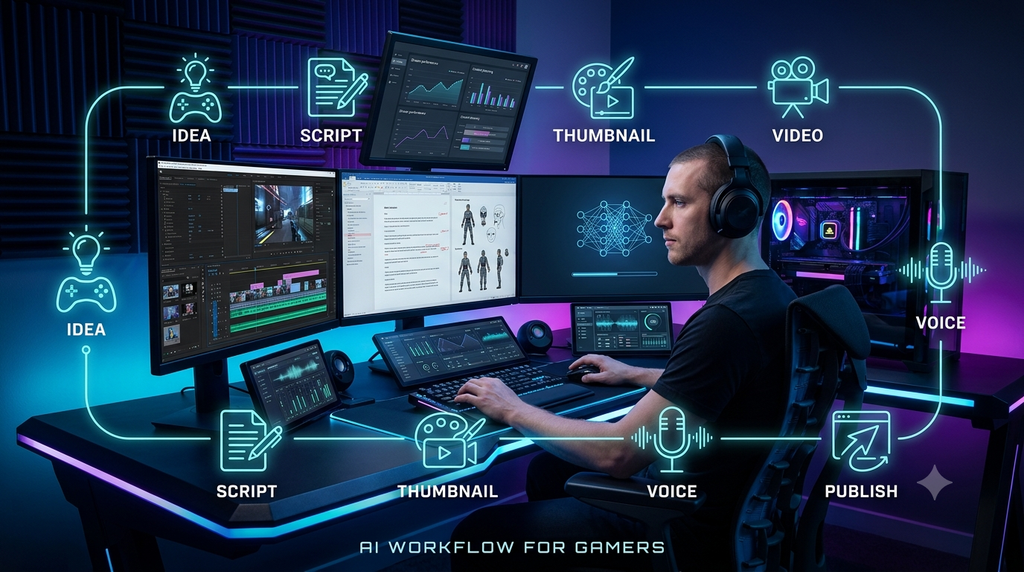
A simple workflow could look like this:
Step 1: Find an Idea
Use ChatGPT, Gemini, or Perplexity to brainstorm a topic.
Step 2: Write the Script
Create an outline and turn it into a natural script.
Step 3: Create the Thumbnail
Use Canva AI or another graphics tool to develop the thumbnail concept.
Step 4: Edit the Video
Use CapCut or your preferred editor to cut gameplay and add captions.
Step 5: Add Voice or Music
Use your own voice or an AI voice/music tool where appropriate and permitted.
Step 6: Publish
Create a strong title, description, thumbnail, and relevant tags.
Are Free AI Tools Really Free?
Not always.
Many AI platforms use a freemium model, meaning you can use some features without paying, while advanced features, higher limits, commercial rights, or additional credits may require a paid plan.
Free limits can also change over time.
Before relying on an AI tool for a monetized gaming business, check its current pricing and usage/licensing terms.
Final Thoughts
AI tools can give gamers a serious productivity advantage.
Whether you’re a casual gamer, streamer, YouTuber, esports enthusiast, or gaming website owner, AI can help you spend less time on repetitive tasks and more time creating.
You don’t need dozens of tools.
Start with a few that match your goals:
ChatGPT for ideas → Canva for thumbnails → CapCut for editing → Perplexity for research → GameVoltix for gaming-focused tools.
And remember: AI should assist your creativity, not replace it.
Explore More Gaming Tools
Looking for more tools built specifically for gamers?
Explore GameVoltix Gaming Tools and discover free generators, calculators, AI utilities, and other tools designed to make gaming easier.